
Follow the steps below to remove a printer on your computer. These instructions specifically call out the main BCLS printer but you can repeat these steps for any printer you are trying to remove from your computer.
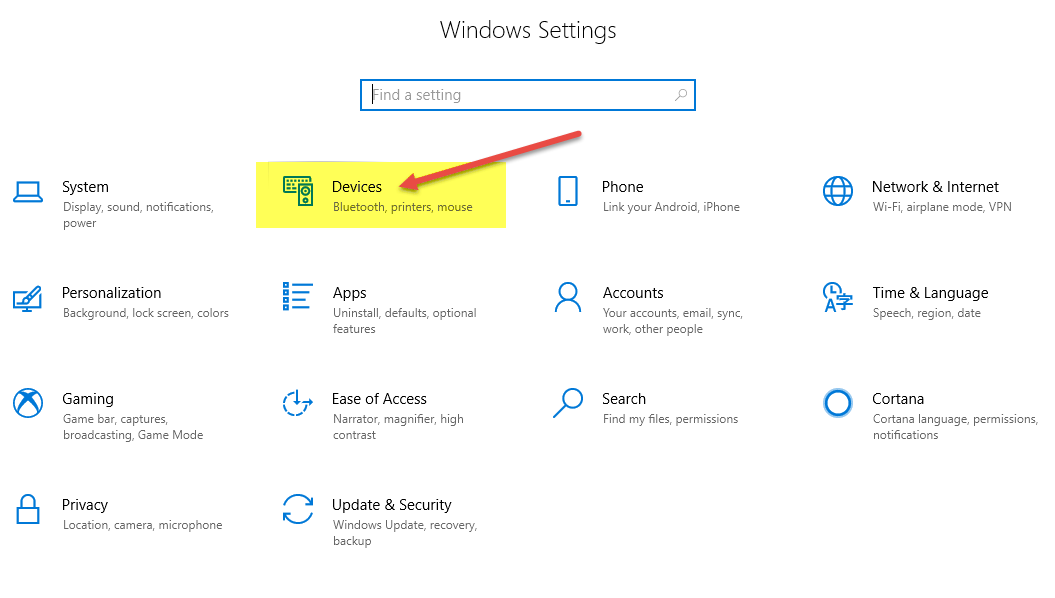
- Go to Start >Settings.
- Click Devices
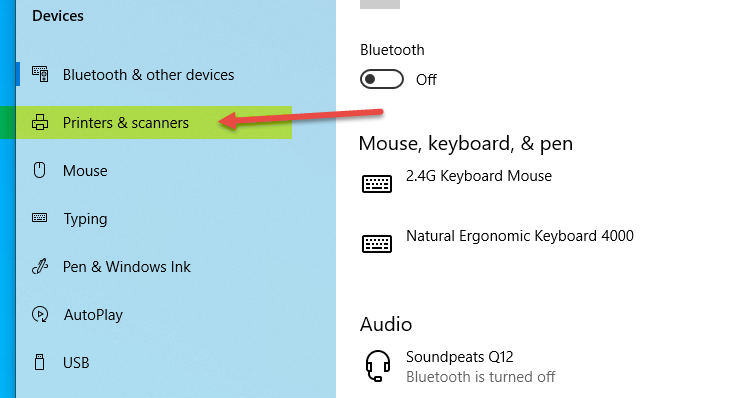
- Click Printers & Scanners.
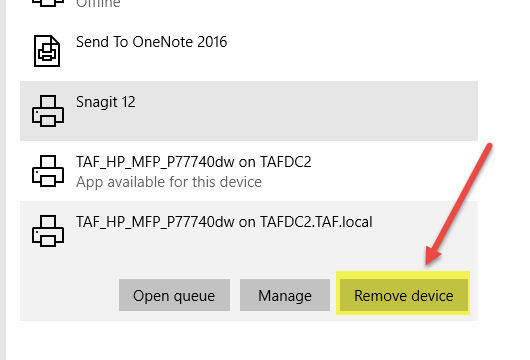
- Click on the printer you would like to remove.
- Click "Remove device"
Comments
0 comments
Please sign in to leave a comment.