
Create and simultaneously edit presentations with your team, right in your browser.Collaborate on professional pitch decks, project presentations, training modules, and much more. All changes are saved automatically.
|
1. Add and edit content in your slides.
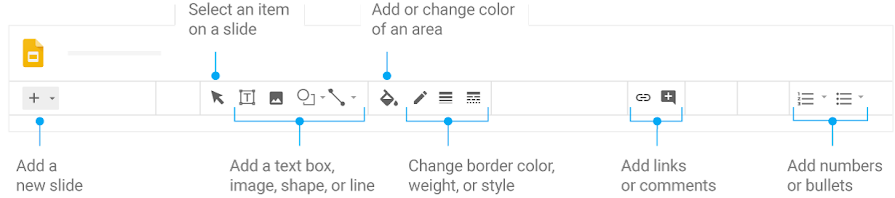
2. Add and organize slides.
 |
New slide—Click New slide  to choose a layout for the new slide. to choose a layout for the new slide. |
 |
Move slide—Drag the slide to a different position in the presentation. To move several slides at once, Ctrl+click multiple slides before dragging them. |
 |
Delete slide—Right-click the slide and select Delete. |
 |
Duplicate slide—Right-click the slide in the sidebar and select Duplicate slide. |

3. Work with different copies and versions of your presentation.
Import slides—Add slides from another presentation to your current slide deck.
Make a copy—Create a duplicate of your presentation. This is a great way to create templates.
Download as—Download your presentation in other formats such as Microsoft® PowerPoint® or Adobe® PDF.
Email as attachment—Email a copy of your presentation.
Version history—See all the changes you and others have made to the presentation, or revert to earlier versions.
Publish to the web—Publish a copy of your presentation as a webpage, or embed your presentation in a website.

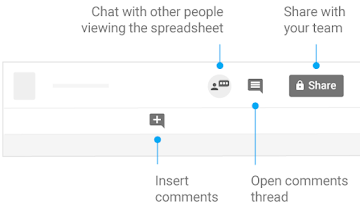
4. Click Share to share your presentation, then choose what collaborators can do. They’ll also receive an email notification.
| Share or unshare | Edit content directly |
Add comments |
|
|---|---|---|---|
| Editor | ✔ | ✔ | ✔ |
| Commenter | ✔ | ||
| Viewer |
Comments
0 comments
Please sign in to leave a comment.