
How to Resolve: "Currently no logon servers available" error code
This article will go over the steps on how to resolve the "currently no logon servers availble" error code that happens at the login screen of windows machines.
- Upon logging in you will be presented with this screen
- Sometimes when entering your credentials you will be presented with one of two error messages
- Running low on resources.
- Currently no logon servers available
- This guide is to help you resolve the error message “Currently no logon servers available”
- To resolve the “running low on resources” error code, please visit here
- You will see an image of the error message down below
To resolve this issue, click the OK button above
You will now want to take an ethernet cable (phone cable) and have it plugged into a network port that is located normally on a wall.
- Ensure that the ethernet cable is secured properly.
- To know that it's secured properly you should be able to tug on the cable and it shouldn't budge away from the wall
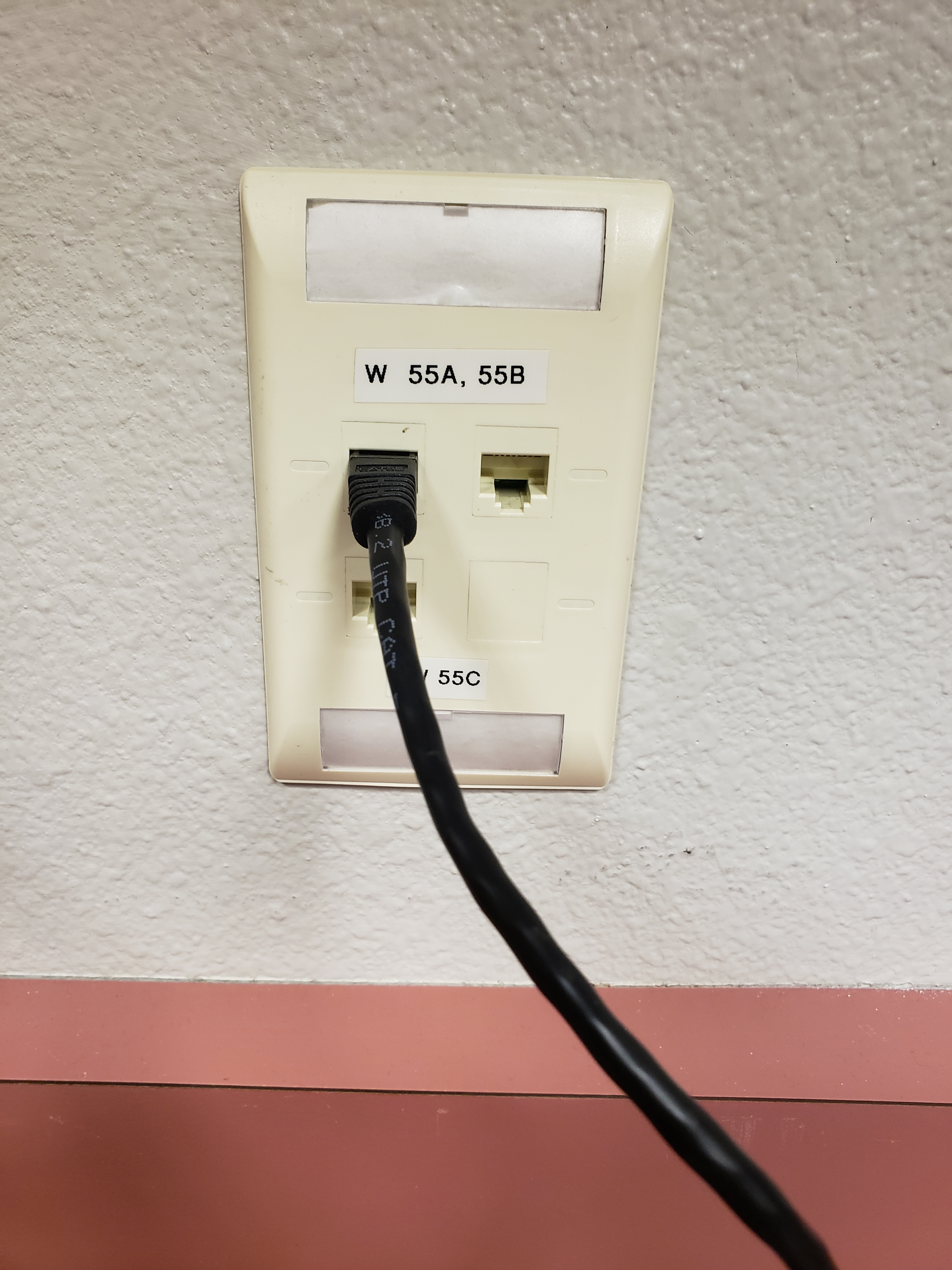
Once you have a network cable you then want to plug in the cable into the ethernet port that is located on the right side of the laptop

Once connected look for an orange or green (sometimes both) indicator light on the ethernet port. If these lights are flashing, you should now be connected to the network of the building

Count to 20 in your head then have the student sign in with their credentials with the ethernet cable still connected to the laptop
After seeing the welcome screen you should now have been successful on signing in.
You may however run into another error message stating "The trust relationship between this workstation and the primary domain failed". If you do, feel free to learn how to resolve this error message here.
Comments
0 comments
Please sign in to leave a comment.