
How to Resolve: Computer is running low on resources error message at login screen
This article will go over the steps on how to resolve the "low on resources" error code that happens at the login screen of windows machines.
- Upon logging in you will be presented with this screen
- Sometimes when entering your credentials you will be presented with one of two error messages
- Running low on resources
- Currently no logon servers available
- This guide is to help you resolve the error message “Running low on resources”
- To resolve the “currently no logon servers available” error code, please visit here
- You will see an image of the error message down below this photo

- This is the error message mentioned above
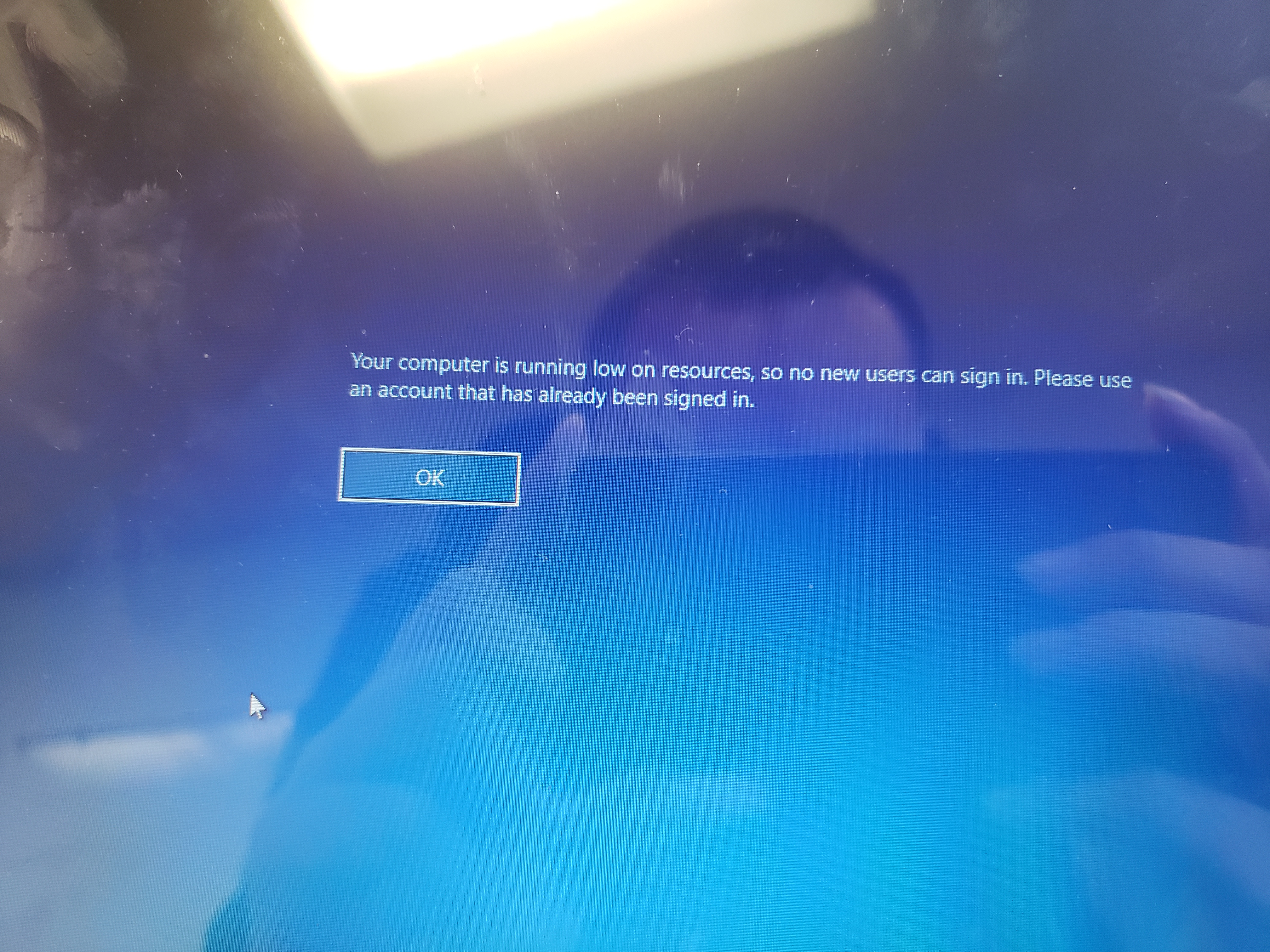
- Press the “OK” button on the screen
- To resolve this you will have to restart the machine
- Press the power button at the bottom right corner of the screen
- After pressing the power button, press the restart button

4. The computer will then reboot and you should now be able to login to the machine
If for some reason this does not resolve your issue please submit a ticket at https://taf.zendesk.com/agent/tickets/new/2
Comments
0 comments
Please sign in to leave a comment.